
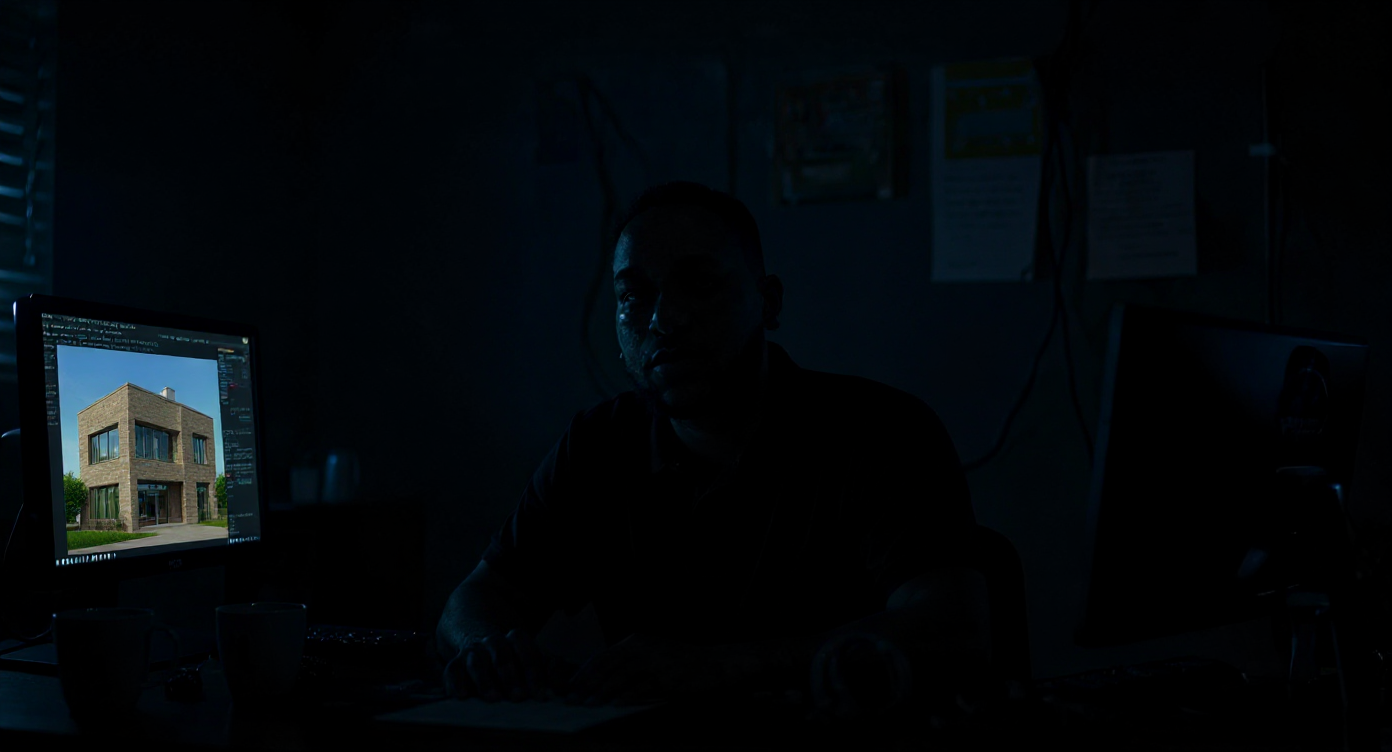
“Can you just do a quick render of this for me?”
That sentence right there is the curse and the comedy of our industry.
To the average person, a finished 3D render looks like something that magically appears after pressing a few buttons. But for those of us who live inside 3ds Max, SketchUp, Corona, and Photoshop for days on end — we know there’s nothing quick about it.
So let’s pull back the curtain. I want to walk you through exactly what happens behind the scenes the moment I receive a brief — especially for photorealistic architectural renders. This is our process, our journey, and our art.
📨 Step 1: That First Email
It usually starts with a message like:
“Hi, we have a new development we need visuals for. Can you help?”
That question is deceptively simple.
At this point, I don’t know how many images they need, what the scope is, if there are plans, references, or whether I’ll be building everything from scratch — but I say yes. Then begins the waiting game: will they send a clean CAD file, or will it be a grainy screenshot of a WhatsApp sketch?
📐 Step 2: Receiving the Plans (Hopefully in CAD)
When I finally get the plans, I always hope they’re usable. Sometimes, I get clean .DWGs with layers, elevations, and perfect scaling. But other times? It’s a top-view only plan with no measurements, markings, or real-world context.
That’s when the detective work begins.
I analyze the layout, compare it with any reference images or PDFs I might get, and begin translating 2D blueprints into a 3D world.
🏗️ Step 3: The Modeling Process Begins
Once in 3ds Max, I start creating the space from scratch — wall by wall, door by door, floor by floor.
There’s a real rhythm to this phase. I set up the grid, adjust units, snap to lines, and build clean geometry with a focus on scale and proportion. Each room starts as a shell, and slowly, it becomes a recognizable space.
Sometimes the modeling is straightforward. But often I’m creating elements manually: ceiling recesses, built-in cupboards, kitchen joinery, island details, cornices, lights, window frames — the stuff that makes a space feel real.
🖌️ Step 4: Finding the Right Textures (and Making My Own)
Now comes the next challenge: surfacing. Textures are where the soul of the render comes alive.
I spend hours digging through libraries like Poliigon, Texture Haven, or personal folders. Sometimes I have to edit textures manually — removing seams, adding bump and reflection maps in Photoshop, and converting them for use in Corona or V-Ray.
Finding the exact shade of “off-white matte finish” the client wants? That’s a whole side quest on its own.
🖼️ Step 5: Adding Props, Decor, and That ‘Lived In’ Feel
It’s easy to make a space — it’s hard to make it feel alive.
I search for the perfect furniture models: sofas, coffee tables, light fixtures, rugs. If I don’t have it in my library, I may need to purchase assets online or tweak existing models to fit the space.
Then comes styling. A tray here, a throw blanket there, a mug on the counter. Each detail creates realism and story. This is what separates a basic model from an image that moves people.
🎥 Step 6: Camera Work and Composition
I carefully set up cameras — each with a distinct personality. A wide shot to showcase flow. A tight shot to highlight texture. A perspective that invites you in.
I study photography, interior magazines, and real estate listings constantly to train my eye. Clients never see that, but it’s what makes their project look like it belongs in Architectural Digest.
🌅 Step 7: Lighting — The Invisible Art
Light is everything.
I adjust my HDRI, tweak the sun angle, balance bounce lighting, and simulate real-world light behavior. The goal is subtlety: to make it feel like the render was caught at just the right moment.
🔁 Step 8: Revisions (And Then Some)
Most of my quotes include up to 3 revisions. But let’s be honest: sometimes changes keep coming. And coming.
“Can we try a darker wood?”
“The client wants a different pendant light.”
“Actually, that rug is too boho, can we do modern?”
This part requires patience and grace. I always try to keep the project moving without compromising my standards or my time too heavily.
📤 Step 9: The Delivery – Holding My Breath
Sending the final render is like handing over a piece of my soul. I zoom in one last time, adjust the levels in Photoshop, and send it through WeTransfer with a silent prayer:
“Please love it.”
Sometimes the reply comes back in 5 minutes with a simple “Beautiful. Love it.”
Other times, it’s radio silence until I follow up a day later.
Either way, in that moment between Send and Seen, I feel everything — pride, anxiety, excitement, doubt.
🎉 Step 10: The Payoff
When a client says “this sold the idea” or “the developer approved based on your render,” it’s everything.
We don’t just draw buildings — we help people see them. We bring ideas to life before the first brick is laid. That’s powerful.
💭 Final Thoughts
Behind every great render is hours of invisible work — design thinking, problem solving, technical wizardry, and emotional stamina.
Clients don’t always see it, but I hope this gave you a glimpse. So the next time you get a render and think, “Wow, this looks amazing,” know that it came from somewhere deep — a blend of skill, passion, vision, and probably too much coffee.
Welcome to our world.