
June 4, 2025
🎓 Learn 3ds Max with Keith Hove – Master 3D Like a Pro
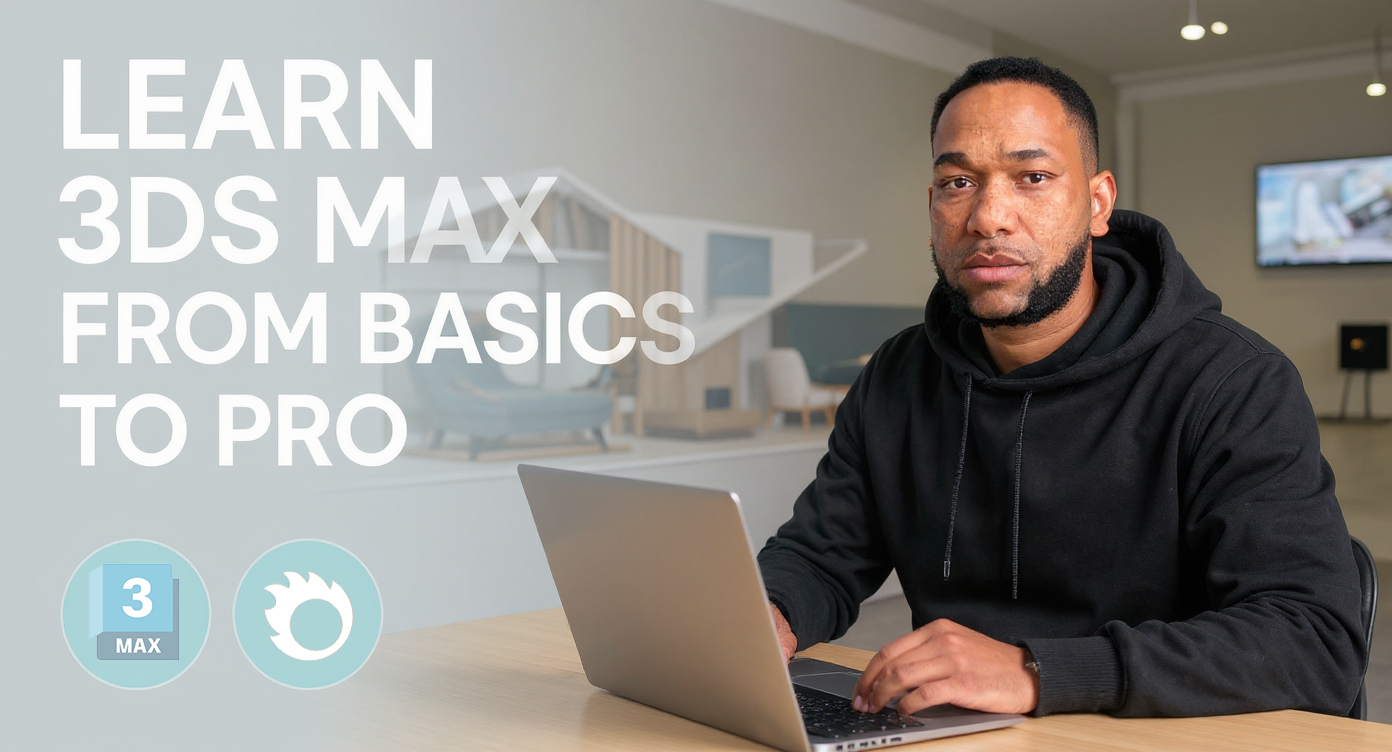
Whether you’re just starting out or aiming to sharpen your 3D skills, my 3ds Max course is designed to equip you with production-level techniques, used by professionals in architecture, design, and visualization.
I don’t just teach tools – I teach real-world workflow, project efficiency, and the artistic eye needed to thrive in the 3D industry.
🧩 Course Structure: From Basics to Production
Here’s a breakdown of my complete 3ds Max syllabus, designed for absolute beginners to intermediate users:
🔹 Module 1: Interface & Fundamentals
- Navigating the 3ds Max UI
- Viewports, Panels, and Custom Workspaces
- Understanding scene units and scale
- Object creation: Primitives and Transforms
🔹 Module 2: Modeling Essentials
- Editable poly vs editable mesh
- Spline modeling basics
- Modifiers: Bend, Taper, Shell, TurboSmooth, etc.
- Precision modeling for architecture
🔹 Module 3: Advanced Modeling Techniques
- Boolean operations and cleanup
- Subdivision modeling
- Kitbashing and using assets
- Creating complex furniture and props
🔹 Module 4: Materials & Texturing
- Standard materials vs Corona/PBR shaders
- UVW Mapping and Unwrapping
- Using Corona Material Library
- Applying textures, bump, normal, displacement maps
🔹 Module 5: Lighting & Cameras
- Types of lights (Target, Free, IES, Corona Light)
- 3-point lighting setup
- Corona Sun and Sky system
- Camera setup, depth of field, exposure control
🔹 Module 6: Rendering with Corona Renderer
- Corona settings explained (GI, passes, denoising)
- Rendering a still image
- Render Elements (for Photoshop or compositing)
- LightMix and Interactive Rendering
🔹 Module 7: Post-Production & Workflow
- Basic render passes in Photoshop
- Tone mapping and color correction
- Saving in correct formats (TIFF, PNG, EXR)
- Organizing projects and files for clients
🔹 BONUS: Real Project Walkthroughs
- Architectural Interior scene: from modeling to final render
- Product visualization workflow
- How to prepare a client-ready portfolio
👨🏫 Teaching Method
- One-on-one lessons or group classes
- Delivered via Zoom, Google Meet, or in person (if local)
- Assignments and challenges after each module
- Practical exercises based on real-world scenarios
- Ongoing feedback and mentorship
💼 Who This Course Is For
- Students entering the field of architecture or design
- Freelancers looking to upskill
- Professionals switching from SketchUp or Blender
- Creatives aiming to build a stunning portfolio
📞 Ready to Learn?
If you’re serious about mastering 3ds Max for professional 3D work, reach out today to book your free consultation call.
📧 info@keithhove.co.za
📱 +27 78 520 8249
📍 Based in Cape Town, South Africa (Online classes available globally)
2 Comments
Hi There, do you have a course that I can purchase or its only Online?
Hi Brian, at the moment its Online, you can whatsapp me for more details on the given number.